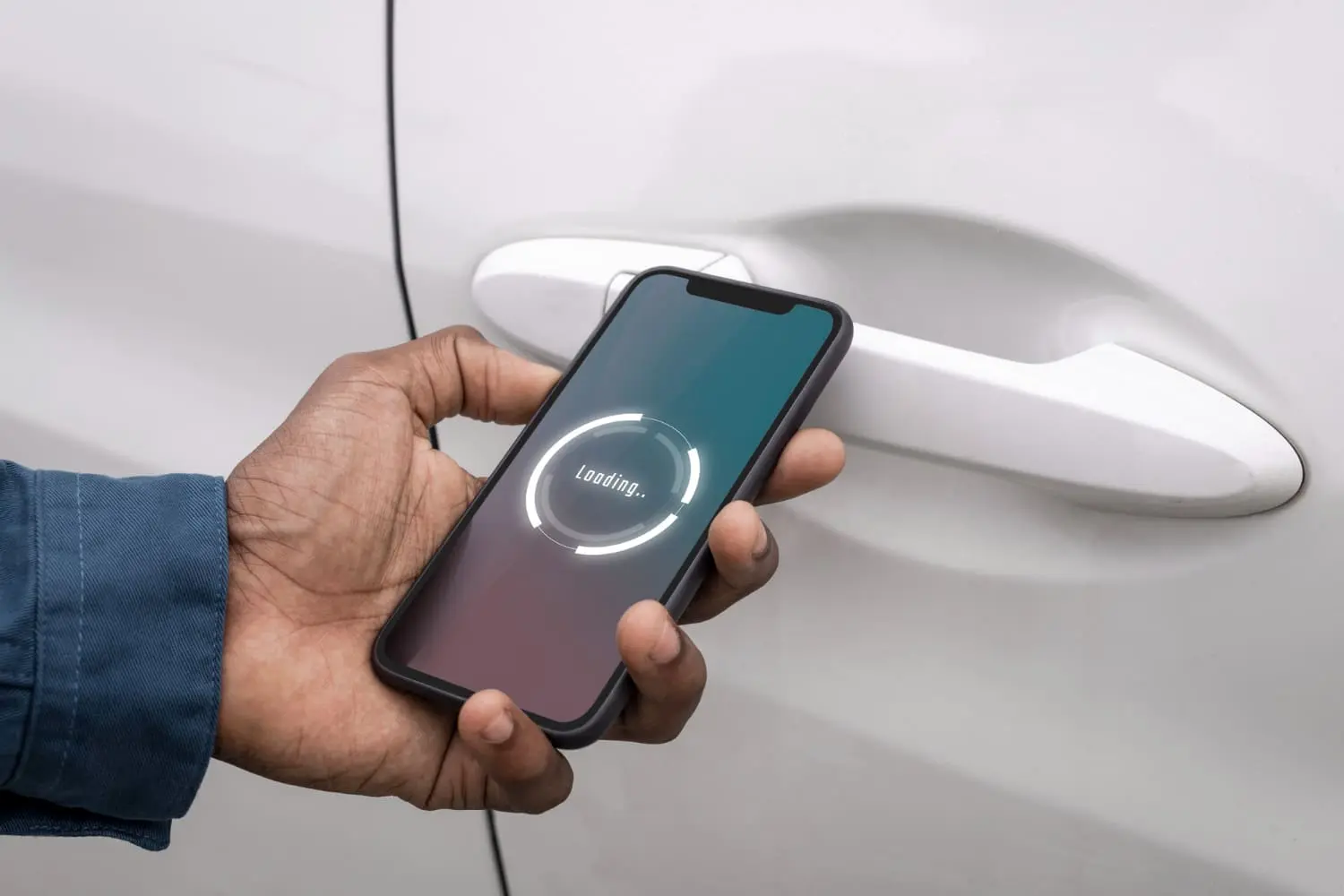
Smart key fobs have made driving easier than ever. With a simple button press, you can unlock your car, open the trunk, or even start the engine without putting a key into the ignition. Many modern cars also have keyless entry systems that automatically recognize the key fob when you approach the vehicle. However, these useful features can suddenly stop working, leaving drivers confused and sometimes locked outside their cars.
Imagine returning to your car after shopping and discovering that your smart key fob is not working. You press the unlock button several times, but nothing happens. Although this situation can be frustrating, it does not always mean something serious is wrong. Most smart key fob problems have simple explanations, and many vehicles include a hidden mechanical key for emergencies. Understanding why smart key fobs fail and how to unlock your car manually can help you handle these problems without unnecessary stress.
Why Do Smart Key Fobs Stop Working?
Smart key fobs work by sending wireless signals to a receiver inside your car. When the vehicle recognizes the correct signal, it allows you to unlock the doors or start the engine. This system offers convenience and security, but it depends on several electronic components working correctly. A problem with the battery, signal, internal circuits, or vehicle receiver can stop the system from responding.
Sometimes, a smart key fob stops working without giving any clear warning. The buttons may work occasionally before failing completely, or the car may display a message saying the key is not detected. These symptoms can have different causes, so finding the actual problem is important. Before replacing the entire key fob, it is worth checking a few common reasons for failure.
Dead or Weak Key Fob Battery
A dead or weak battery is one of the most common reasons a smart key fob stops working. Most key fobs use small coin batteries that gradually lose power. As the battery becomes weaker, the remote may work only when you stand close to your car. Eventually, the buttons may stop responding completely. Some vehicles display a low key battery warning before the battery runs out.
Replacing the battery is usually simple and inexpensive. Many key fobs use CR2032 or CR2025 batteries, although the correct type depends on the vehicle. Check your owner's manual before purchasing a replacement. Open the key fob carefully, remove the old battery, and install the new one with the correct side facing upward or downward as indicated. If the fob still does not work, another issue may be responsible.
Signal Interference and Connection Problems
Smart key fobs communicate with cars through radio signals, which can sometimes experience interference. Nearby electronic equipment, wireless devices, and strong radio transmissions may affect communication between the key fob and your vehicle. This problem is more likely to occur in areas with many electronic systems, such as busy parking facilities. Metal objects and certain surroundings can also reduce signal strength.
If your car key fob is not responding, try moving closer to the vehicle and removing the fob from your bag or pocket. Keep it away from phones, electronic devices, and large metal objects while testing it. You can also try using the remote from a different position near the car. If the key starts working again, temporary interference or a weak signal may have caused the problem.
Damaged Buttons and Internal Circuits
Physical damage is another reason smart key fobs fail. Dropping your keys onto a hard surface can damage small electronic parts inside the remote. Water, moisture, dust, and extreme temperatures can also affect the internal circuits. Even when the outside of the fob looks normal, its electronic components may no longer function correctly. Sometimes, only one button stops working while the others continue to operate.
Car Battery and Receiver Problems
Sometimes the problem is not with the smart key fob at all. Your vehicle needs electrical power to operate its keyless entry system. If the car battery is completely discharged, the vehicle may not respond even when the key fob has a fresh battery. Faulty door lock components, wiring problems, or a damaged receiver can also prevent the car from recognizing the remote signal.
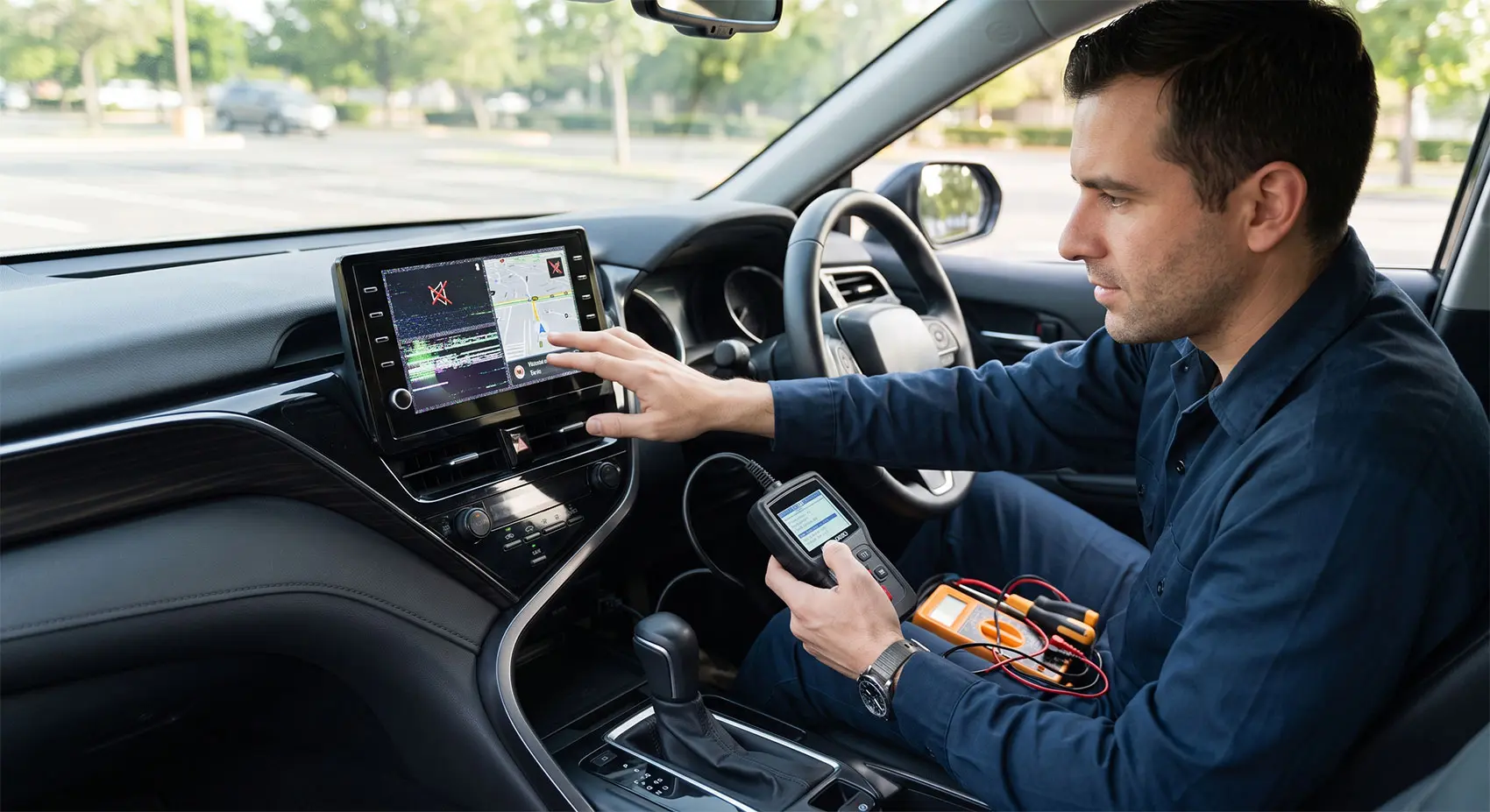
One way to identify the problem is to test a spare key fob. If both remotes fail, the issue may involve the car rather than the keys. Check whether other electrical features, such as the interior lights, are working. If the vehicle battery is weak or the receiver has failed, replacing the key fob battery will not solve the problem. Professional testing may be necessary.
How to Unlock Your Car Manually When the Key Fob Fails
Many drivers do not realize that their smart key fob may contain a traditional metal key. Car manufacturers include this emergency feature so owners can open their vehicles when the electronic system stops working. The mechanical key operates a physical door lock and normally does not require power from the key fob battery. This makes it especially useful when the remote battery is dead or the vehicle has an electrical problem.
However, the location of the hidden key and door lock varies between vehicles. Some cars have a visible keyhole on the driver's door, while others hide it behind a small plastic cover. Before attempting to unlock your car manually, check your owner's manual for the correct instructions. Using the proper method helps prevent damage to the door handle, lock, or surrounding paint.
Find the Hidden Mechanical Key
The first step is to examine your smart key fob carefully. Look for a small release button, sliding switch, or removable section on the remote. On many vehicles, pressing the release button allows you to pull a metal key from inside the fob. This key is designed to work with the vehicle's mechanical door lock, even when the remote control is completely unresponsive.
Locate the Manual Door Lock
After removing the mechanical key, look for the keyhole on the driver's door. Some vehicles have an exposed lock cylinder near the door handle. However, many modern cars hide the keyhole under a small plastic cover. This design keeps the door looking clean while protecting the lock from dirt and moisture. The cover may have a small opening underneath for careful removal.
Follow your vehicle manufacturer's instructions to remove the cover without damaging it. Once the keyhole becomes visible, insert the mechanical key gently. Turn it in the correct direction to unlock the door. If the key feels stuck, do not force it. A damaged or frozen lock may require professional assistance. Using too much pressure could bend the key or damage the cylinder.
Open the Door and Handle the Alarm
Once the mechanical lock turns successfully, pull the door handle to enter your vehicle. In some cars, only the driver's door will unlock, so the other doors may remain locked. This is normal and depends on the vehicle's design. After entering, you can try using the interior door controls if the car has enough battery power.
How to Start Your Car When the Smart Key Fob Battery Is Dead
Unlocking your car manually solves the first problem, but you may still need to start the engine. Many vehicles with push-button start systems have a backup method that recognizes the smart key even when its battery is weak or dead. This feature allows the car to identify the authorized key at very close range without relying on the usual remote signal.
However, emergency starting procedures are not identical across all brands. Some vehicles require you to hold the key fob directly against the start button, while others have a special detection area inside the cabin. The correct location depends on the vehicle's design. Always follow the owner's manual instead of repeatedly pressing the start button without knowing the proper procedure.
Use the Emergency Key Detection Method
In many cars, the emergency starting process begins by placing the transmission in Park and pressing the brake pedal firmly. Next, hold the smart key fob against the engine start button or the detection area specified in the owner's manual. Once the vehicle recognizes the key, follow the manufacturer's instructions to start the engine. This method can work even when the key fob battery is discharged.
For example, some Toyota vehicles allow drivers to touch the electronic key against the engine start switch before pressing the button. Other manufacturers may use different locations or procedures. If your car does not respond, reposition the fob according to the manual and try again. Remember that this backup method will not fix a completely dead vehicle battery or every electronic fault.
What to Do If the Engine Still Will Not Start
If the emergency starting procedure fails, check for other possible problems. Make sure the transmission is in the correct position, and the brake pedal is pressed. Look for dashboard warning messages and check whether the interior lights are functioning. If the dashboard remains completely dark, the vehicle battery may be discharged. A weak car battery can prevent the engine from starting even when the smart key is working correctly.
Try your spare key fob if one is available. If neither key works, the problem may involve the vehicle's electrical system, immobilizer, or key recognition system. Avoid repeatedly attempting to start the engine without understanding the cause. Contact roadside assistance, a qualified automotive locksmith, or your dealership for help. Professional diagnosis can prevent unnecessary repairs and replacement costs.
How to Prevent Smart Key Fob Problems
Preventing smart key fob failure is often easier than dealing with an unexpected lockout. Simple maintenance habits can help your remote continue working reliably. Since smart keys contain sensitive electronic components, protecting them from damage is especially important. Regular battery checks and careful storage can reduce the chances of losing access to your vehicle because of a remote control problem.
It is also helpful to understand your car's emergency access features before something goes wrong. Many drivers discover the hidden mechanical key only after their remote stops working. Learning how to remove the key, locate the door lock, and use the emergency starting procedure can save time. Keeping a working spare key available provides another useful backup.
Replace the Battery Before It Fails
Pay attention to early signs of a weak key fob battery. Reduced operating range, delayed responses, and dashboard warnings may indicate that replacement is needed. Battery life varies depending on the key design, usage, and storage conditions. Some batteries last several years, but there is no single replacement schedule that applies to every smart key system.
When replacing the battery, use the exact type recommended by the manufacturer. Keep the battery contacts clean and ensure the new battery is installed correctly. Test all remote buttons after closing the fob. If the key still works poorly, inspect the battery connection or seek professional help. Replacing a weak battery early is much easier than dealing with a failed remote away from home.
Protect Your Key Fob From Damage
Avoid exposing your smart key fob to water, direct sunlight, excessive heat, and strong impacts. Do not leave it near wet surfaces or inside clothing that may go through the washing machine. A protective case can reduce damage from everyday drops. Keeping the remote separate from heavy objects may also protect its buttons and outer housing.
Store your spare key in a secure location and check its battery occasionally. Make sure you know where the mechanical key is located and whether the driver's door lock works properly. If you notice unusual behavior, such as buttons failing or the car frequently reporting that the key is missing, investigate the issue early. Small problems are often easier to fix before the remote fails completely.
Conclusion
Smart key fobs provide convenience, but they can fail because of weak batteries, signal interference, physical damage, or vehicle electrical problems. Fortunately, many cars include a mechanical key that allows drivers to unlock the door manually. Learning how to find this hidden key and use the correct door lock can make an unexpected lockout much easier to handle. Some vehicles also provide an emergency starting method when the smart key battery runs out of power.
The best way to avoid smart key fob problems is through basic maintenance and preparation. Replace weak batteries, protect your remote from damage, and keep a working spare key available. Most importantly, read your owner's manual to understand your vehicle's emergency unlocking and starting procedures. With these simple precautions, you can handle many common smart key failures confidently and avoid unnecessary stress, repair costs, and delays.

Written by Kousar Shabbir
Published Oct 20, 2026 in Auto Tech.