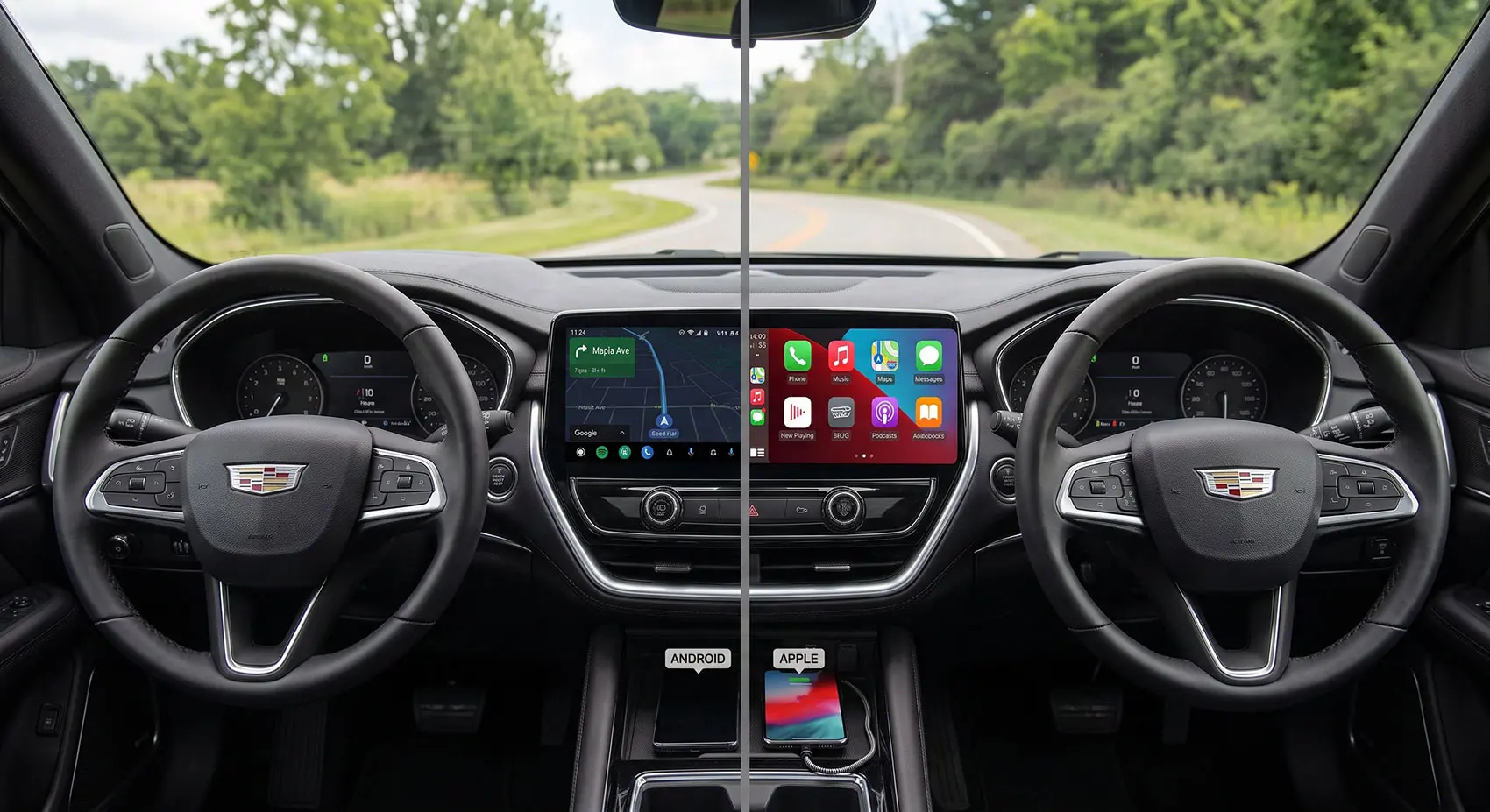
Driving requires full attention because road conditions can change in only a few seconds. A driver must watch traffic, road signs, pedestrians, cyclists, traffic lights, and the movement of nearby vehicles. At the same time, modern cars provide a large amount of information through digital screens and instrument panels. Drivers often need to check speed, navigation directions, safety warnings, fuel level, and driver assistance systems while the car is moving. Every time the driver looks down at the dashboard or toward the center screen, the eyes move away from the road. Even a short glance can matter when traffic is moving quickly. This is why car manufacturers are looking for better ways to give drivers useful information without forcing them to look away from what is happening in front of the vehicle. One of the most useful solutions is the head-up display, also known as a HUD. This system places important information closer to the driver’s normal line of sight, which can help reduce unnecessary eye movement while driving.
A head-up display is designed to make important driving information easier to see. Instead of placing every detail on the instrument panel, the system shows selected information on the windshield or on a small transparent screen in front of the driver. This can include vehicle speed, navigation arrows, speed limits, warning messages, and information from driver assistance systems. The main benefit is not that the driver never has to move their eyes at all. The benefit is that the driver can receive important information while keeping attention closer to the road ahead. This can be helpful in heavy traffic, on highways, and during long journeys where drivers often check speed or navigation. A HUD can also make the driving experience feel more modern and less stressful because information is easier to notice. However, the system must be used correctly. Too much information can still become distracting. A good HUD should show only the information that helps the driver make safe and quick decisions.
What Is a Head-Up Display and How Does It Work?
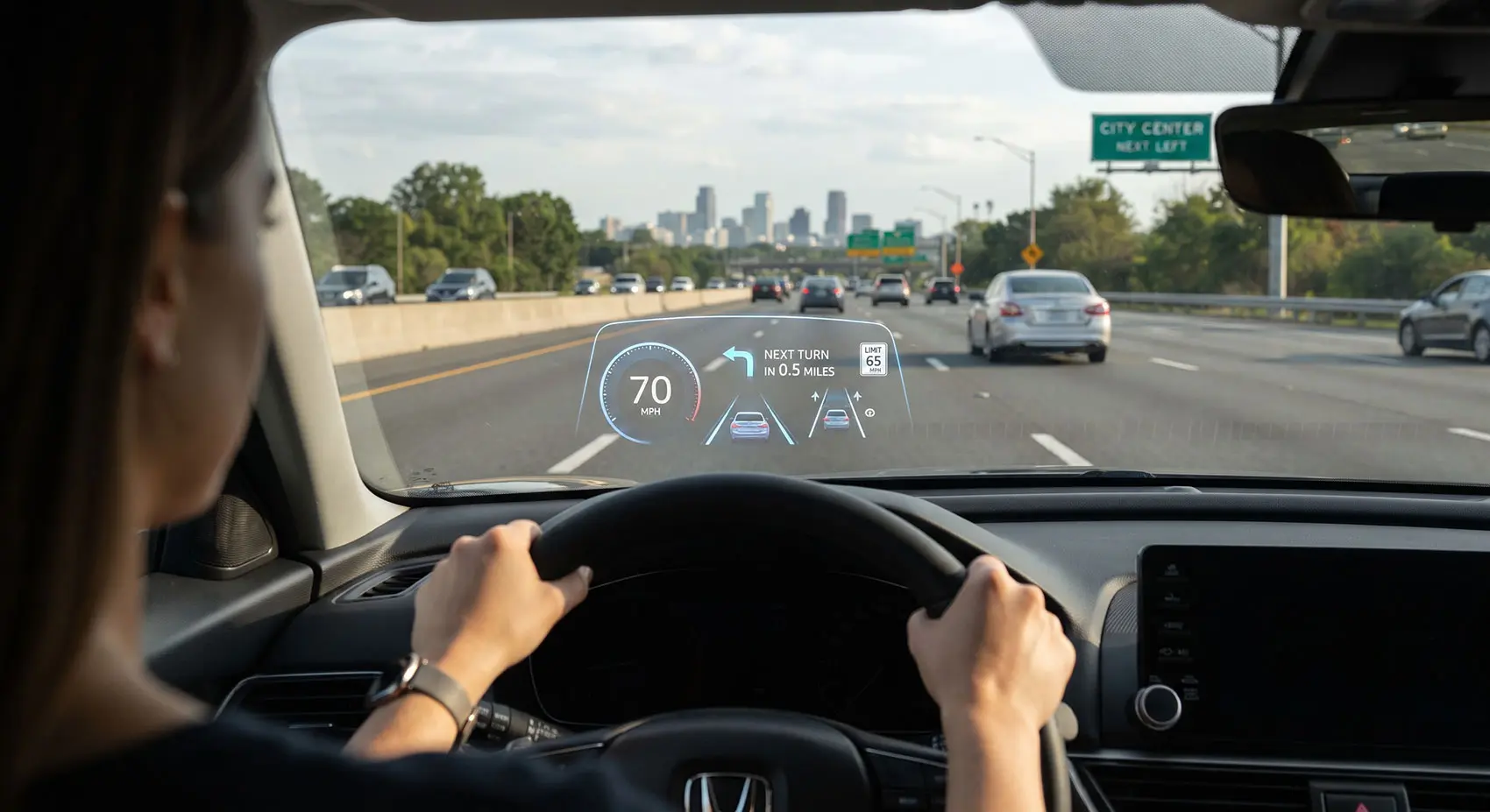
A head-up display is a vehicle technology that projects useful information into the driver’s forward view. In many cars, a small projector is placed inside the dashboard. The image created by the projector is reflected through special optical parts and appears on the windshield. To the driver, the information can look like it is floating just above the hood or farther down the road. Some vehicles use a small clear panel that rises from the dashboard instead of projecting directly onto the windshield. Both designs have the same purpose. They allow the driver to see important information without looking down as often. The system is usually connected to the car’s computer, navigation system, and safety technology. Because of this connection, the HUD can update information in real time. For example, if the vehicle speed changes, the number shown on the display changes immediately. If the navigation system tells the driver to turn right, an arrow can appear in front of the driver at the correct time.
The display can usually be adjusted to suit different drivers. A tall driver and a shorter driver may sit at different heights, so the image position needs to move up or down. Brightness can also be adjusted because the display must remain easy to see during bright daylight and comfortable to view at night. Many newer systems automatically change the brightness depending on outside light. Some advanced systems can make the image appear farther away, which may help the driver move attention between the display and the road more naturally. The goal is to make the information feel like part of the driving view rather than a separate screen inside the cabin. Modern HUD systems are also becoming larger and more detailed. Some can show lane guidance, road signs, safety alerts, and navigation instructions at the same time. Even with these improvements, the best systems remain simple. A driver should be able to understand the information in a quick glance without needing to study the display.
How HUD Technology Helps Keep Your Eyes on the Road
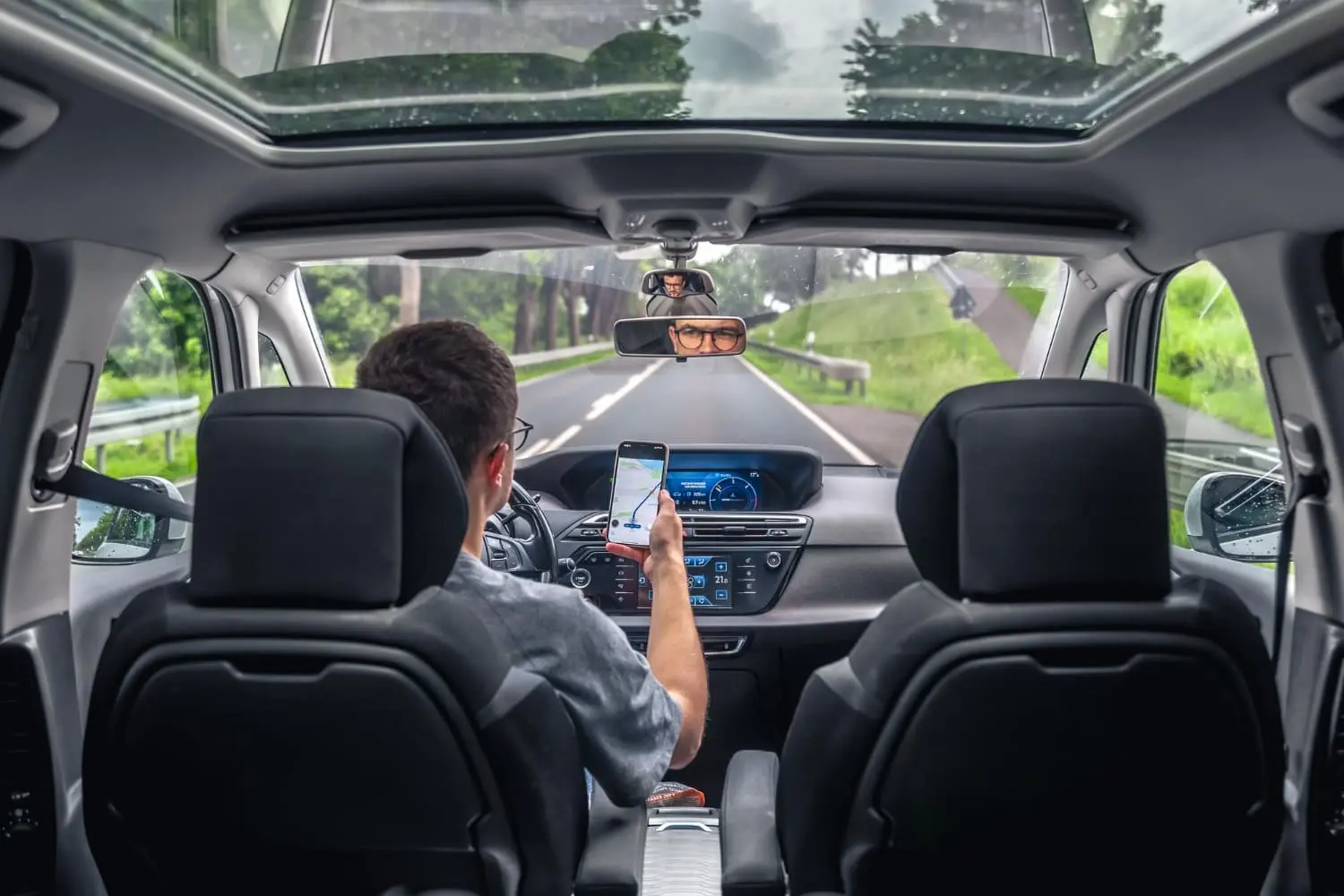
The biggest advantage of a head-up display is that it can reduce how often the driver looks down at the dashboard. In a traditional car, checking speed usually means moving the eyes from the road to the instrument panel and then back to the road. Looking at navigation directions can require an even larger movement if the screen is in the center of the dashboard. These actions may only take a moment, but they still reduce the time the driver spends watching the road ahead. A HUD places the information closer to the forward view, so the driver does not need to move their eyes as far. This can make speed checks, navigation instructions, and warning messages easier to notice. The driver still needs to understand the information, but the road remains closer to the main area of attention. This is especially useful when driving at higher speeds because vehicles can travel a long distance during even a brief moment of distraction.
A HUD can also make driving feel less demanding because the driver does not need to search for information in different parts of the cabin. During city driving, the driver may need to watch traffic lights, pedestrians, parked cars, and vehicles entering from side streets. On a highway, the driver may need to monitor speed, lane position, and nearby traffic while following navigation directions. When important information appears directly ahead, the driver can check it with less visual movement. This does not mean the HUD should be watched continuously. The driver should still focus mainly on the real road, mirrors, and surrounding traffic. The display should work as a quick source of support. A useful HUD gives the right information at the right time, allowing the driver to understand it quickly and return full attention to driving. In this way, the technology can reduce unnecessary glances and make common driving tasks simpler.
What Information Can a Car HUD Show?
Most head-up displays show the vehicle speed because this is one of the pieces of information drivers check most often. Seeing speed directly in the forward view can be useful when driving through areas where speed limits change often. Many systems can also show the current speed limit if the vehicle reads road signs or receives the information from digital maps. Navigation is another common feature. The HUD may show an arrow for the next turn, the distance to the turn, or the lane the driver should use. This can be easier to understand than looking at a full map on the center screen. Some systems also show cruise control settings, fuel information, gear selection, or warning lights. The exact information depends on the vehicle and the technology installed. More advanced cars may allow the driver to choose which details appear on the display, which can help keep the view simple and useful.
Modern HUD systems can also work with safety and driver assistance features. For example, the display may show a forward collision warning if the car detects a possible danger ahead. It may also show lane information, blind spot warnings, or signs recognized by the vehicle’s cameras. Some newer systems use augmented reality technology to make the information appear connected to the real road. A navigation arrow may appear to point toward the actual street where the driver needs to turn. Lane guidance may appear over the lane that should be followed. This can make directions easier to understand because the driver does not need to compare a small map with the road. However, more information is not always better. If the windshield is filled with symbols, numbers, and graphics, the driver may feel overloaded. A good HUD should focus on the details that are most useful for the current driving situation. Clear and simple information is usually easier to understand and less likely to distract the driver.
Safety Benefits and Important Limitations of HUD Systems
One of the main safety benefits of a HUD is that it can help the driver keep visual attention closer to the road. This can be useful when checking speed, following navigation instructions, or noticing an important warning. A traditional dashboard requires the driver to look down, while a center screen may require the driver to look to the side. A HUD keeps these details closer to the direction the driver is already looking. This can be especially helpful on unfamiliar roads because drivers often need navigation guidance. It can also support highway driving, where the driver may regularly check speed and cruise control settings. Safety alerts may also become easier to notice when they appear in the forward field of view. If a car detects a possible collision or another danger, showing the warning in front of the driver may help the message get attention quickly. The overall goal is to reduce the time needed to find and understand important information.
However, a head-up display is not automatically safe in every situation. If the display shows too much information, uses very bright graphics, or places large images in front of the driver, it can become another distraction. The driver may start focusing on the display instead of the real road. This is why simple design is important. Drivers should also adjust the HUD before starting a journey. The image should be easy to see but not too bright. It should also be positioned where it can be read without blocking the road view. Glare, sunlight, sunglasses, and seating position can sometimes affect visibility. Drivers should remember that a HUD is only an assistance feature. It cannot replace careful observation, good judgment, safe speed, or proper use of mirrors. The driver must still watch road signs, traffic signals, pedestrians, and nearby vehicles. When used correctly, a HUD can support safe driving, but it should never become more important than the road itself. As this technology improves, future systems may connect more closely with cameras, sensors, and navigation maps. They may show guidance only when it is needed and keep the display simple during normal driving. This could make future HUD systems more useful without adding unnecessary visual information. The most successful designs will give drivers helpful details at the right time while keeping the road itself as the main focus.
Conclusion
Head-up displays were created to solve a simple but important driving problem. Drivers need information about speed, navigation, safety systems, and vehicle conditions, but looking down at the dashboard takes attention away from the road. A HUD brings selected information closer to the driver’s natural line of sight. This can reduce unnecessary eye movement and make important details easier to notice. The technology can be especially useful in heavy traffic, on highways, and on unfamiliar roads where navigation information is needed often. It can also support modern safety systems by showing warnings where the driver is more likely to notice them quickly. The main value of the technology is not the futuristic appearance of information on the windshield. Its real value comes from helping the driver receive useful information in a simpler and more convenient way while keeping attention closer to the road.
A good head-up display should always be clear, simple, and easy to understand. It should not cover the driver’s view or show so much information that it becomes distracting. Drivers should adjust the system properly and use it as a support tool rather than something to watch continuously. As car technology continues to improve, HUD systems are likely to become smarter, larger, and more connected with navigation and safety features. Even so, their most important purpose will remain the same. They should help drivers spend less time looking around the cabin for information and more time watching the road ahead. When the technology is designed well and used responsibly, it can make driving feel easier, more comfortable, and more focused. For many drivers, that makes a head-up display one of the most practical technologies available in modern cars.


Written by Maarukh Shahbaz
Published Oct 7, 2026 in Auto Tech.